



Self Installation of SMSC
for eDownloads
-
Self Installation
If your practice wants to complete the installation of SMSC software internally, please complete the registration form and follow the steps below:
- Complete the Clinical Labs eDownloads registration form located HERE.
- Save and email the registration form to clinic-registrations@clinicallabs.com.au.
- Call the Clinical Labs eHealth Support Team on 1300 669 961 (or 1300 367 674 for WA) for the SMSC activation code to complete the installation.
- Click HERE for the Australian Clinical Labs SMSC Installation & User Guide, which provides simple instructions on how to install and set up the SMSC software.
- Click HERE and go to
'Get SMSC Client' on the left-hand side of the page to install SMSC.
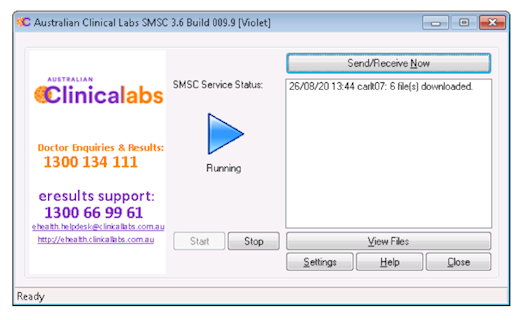
If you need help at any point, visit the page below or call our eHealth Support Team on 1300 669 961 (or 1300 367 674 for WA).

Related Pages
eDownloads
Clinical Labs eDownloads automates the secure and direct transfer of patient pathology results into referrers' practice management software.


eResults
eResults is an online platform and patient result viewer that gives you real-time, 24/7 access to patient results via your computer desktop viewer or mobile app.
eRequests
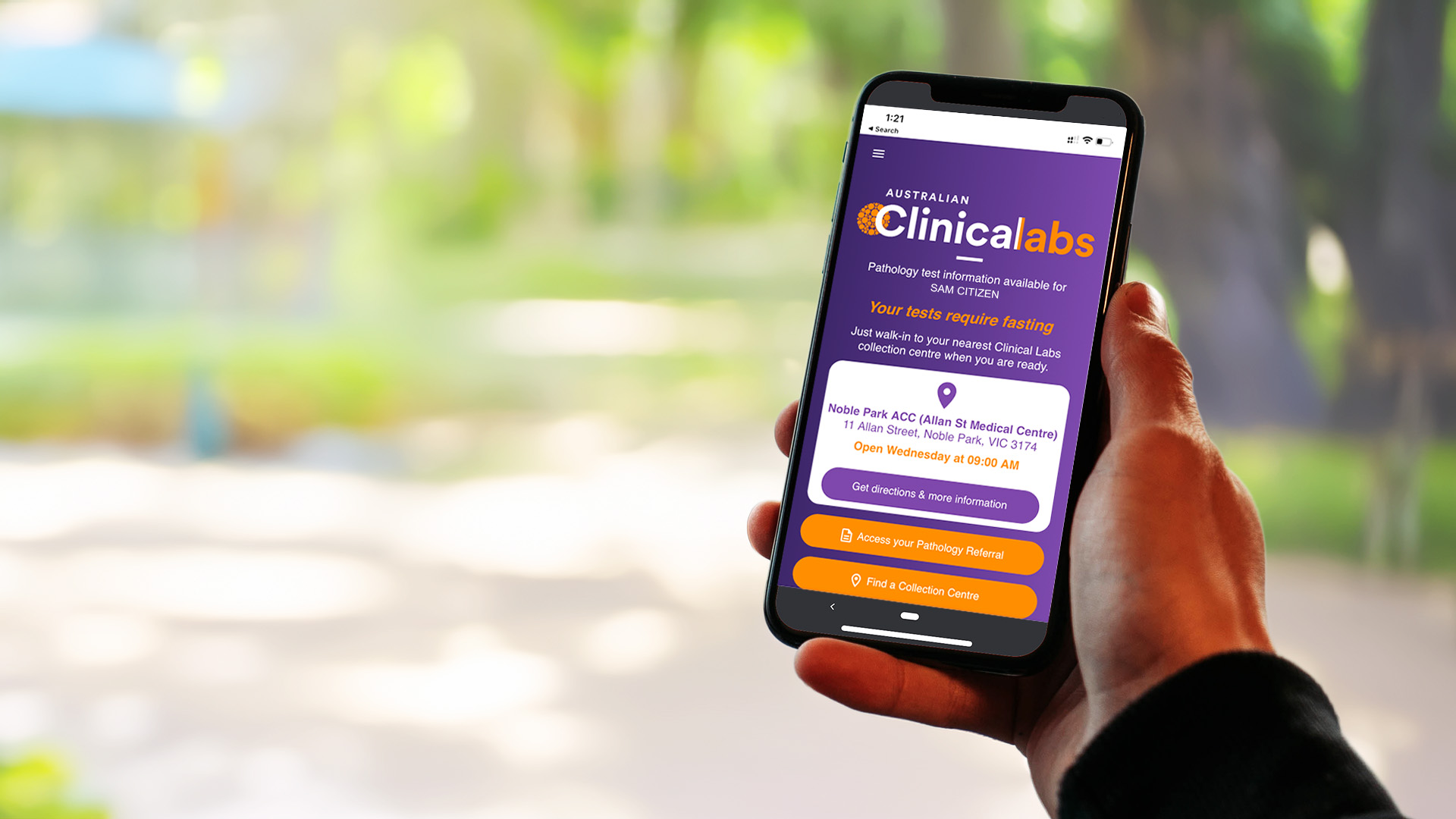
eRequests streamlines pathology request workflows by enabling Clinical Labs referrers to easily send patients an electronic copy of their referral via SMS.