



eResults
Just what the doctor ordered.
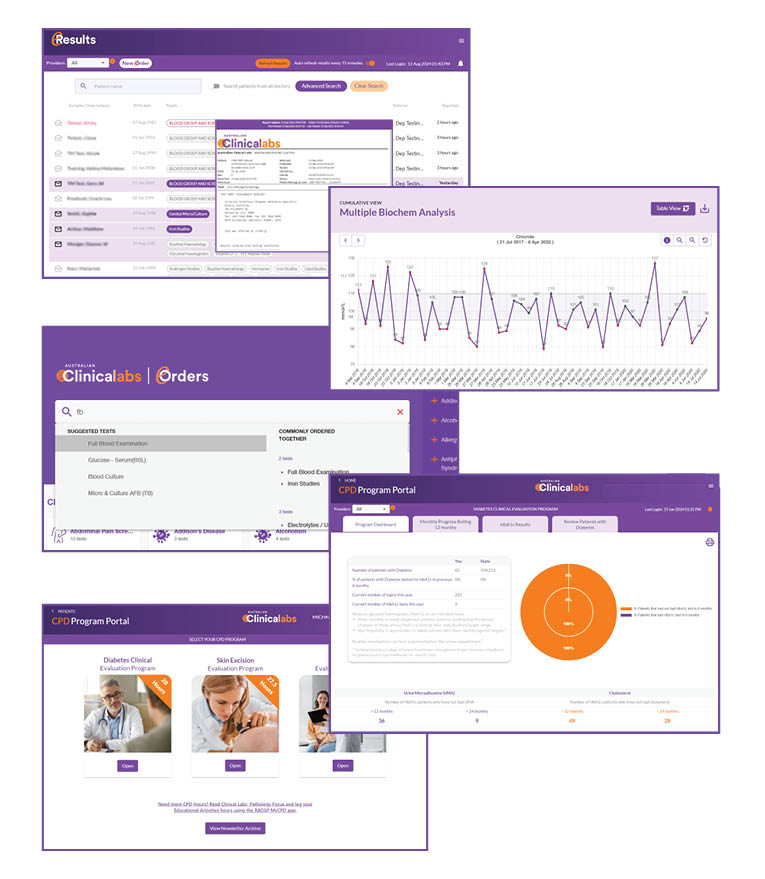
eResults is an online platform and patient result viewer, and part of Australian Clinical Labs’ eHealth services. The platform gives you real-time, 24/7 access to patient results via your computer desktop viewer or mobile app.
Our eHealth services for doctors contain three components, designed to save you time:

| Platform | Description |
|---|---|
| eResults | A mobile-friendly, patient result viewer where you can order pathology tests (eOrders) and access the CPD Portal for our educational programs. No practice management software required. |
| eRequests | Allows you to order pathology electronically via your practice management software and send patient referrals via email or SMS. Compatible with MedicalDirector, Best Practice, Genie & Gentu users. |
| eDownloads | Patient results delivered directly into your practice management software. Compatible with MedicalDirector, Best Practice, Zedmed, Genie & Gentu users. |
-
Why use eResults?
- Available on Desktop or Mobile: Enjoy 24/7 remote access at your convenience.
- eRequests: Send pathology requests directly to your patients via SMS or email.
- Seamless Report Sharing: Easily share patient results to another eResults user, your practice management software or a desired email address.
- Customised Notifications: Select which results you receive notifications for and how often.
- Open Doctor Access: Access results from our entire patient database. All GPs registered with RACGP or ACRRM, as well as Specialists, can enable Open Doctor Access.
- Add-on Tests: Add tests to eligible, existing specimens.
- Interactive Cumulative Charts: View all previous patient history for specific tests in table or graph format.
- Time-Sensitive and Secure: Experience faster and more secure access to results than fax or mail.
- Access CPD program data: Contains the CPD Portal to view program progress and educational data.
- Direct Access to Cardiology Reports: Access ECG, Holter monitor and ABPM reports directly via eResults.
-
How can I access eResults?
If you currently have an account, simply login using your username (or account email) and password. To register for an eResults account, click below to get started. The eResults online platform is available on desktop or mobile. The mobile app can be downloaded via Apple App Store or Google Play.
eResults Registration
-
How do I use eResults?
-
CPD Portal in eResults
Related Pages
eRequests
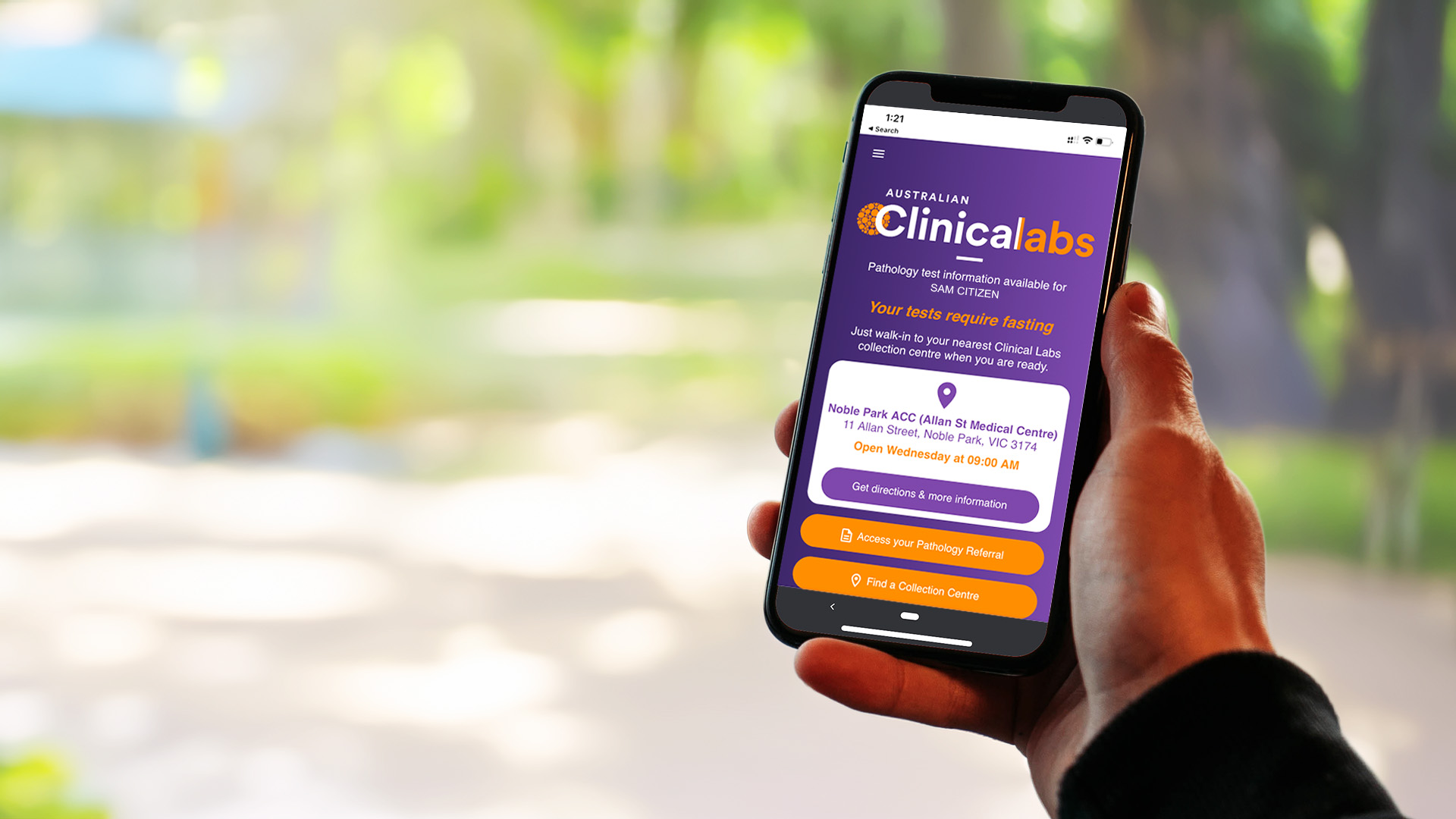
eRequests streamlines pathology request workflows by enabling Clinical Labs referrers to easily send patients an electronic copy of their referral via SMS.


eDownloads
Clinical Labs eDownloads automates the secure and direct transfer of patient pathology results into referrers' practice management software.
CPD Programs
Join thousands of GPs nationwide by participating in our RACGP-approved CPD programs.